10ML for Opera: perfume price finder extension
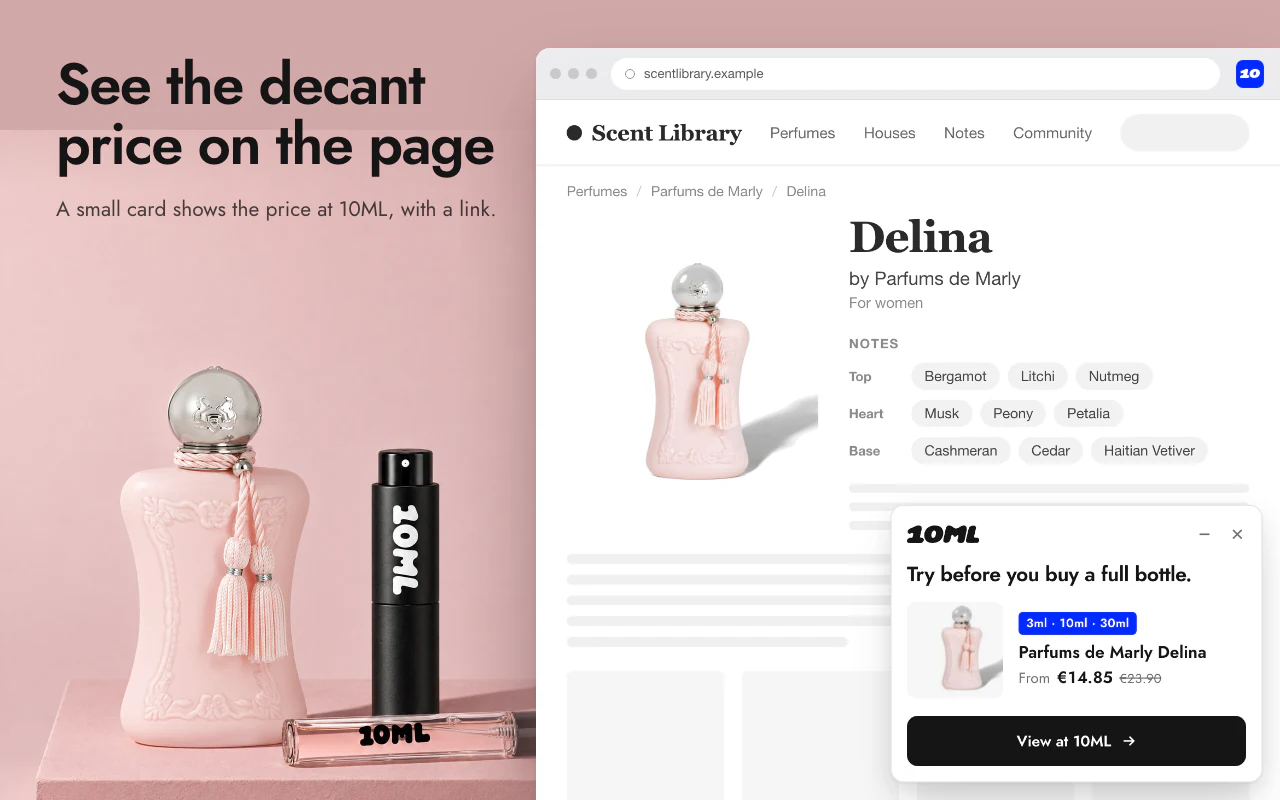
Add 10ML Perfume Finder to Opera and see the decant price of any perfume while you browse fragrance databases and perfume shops. It is free and private.
Install 10ML Perfume Finder in Opera
Open Opera add-ons
Search for 10ML Perfume Finder in the Opera add-ons store, or use the button above.
Select Add to Opera
Confirm to install. It takes a few seconds.
Pin it to the toolbar
Open the extensions menu next to the address bar and select the pin next to 10ML Perfume Finder.
Open a perfume page
Visit a perfume on Fragrantica, Notino or another supported site. The 10ML card appears on the page.
Opera questions
How do I add 10ML Perfume Finder to Opera?
Open the extension’s page in the Opera add-ons store and select Add to Opera.
How do I pin it to the Opera toolbar?
Open the extensions menu next to the address bar and select the pin next to 10ML Perfume Finder.
Do I need an account?
No. There is no account, no sign-in and nothing to set up.
Why does Opera mention access to some websites?
The extension needs access to the supported perfume sites to read the perfume on the page and show the card. It does not send what you browse anywhere. Each permission is explained in the privacy policy.